First Place at RBC HubHacks 2026: An AI Fish-Counting Workspace for a Conservation Charity, Built in Five Days
Our team, The Coastal Coders, won first place on the Coastal Action problem at RBC HubHacks 2026. What the brief was, what Tideflow does, how we went from a single detection model to a full platform in five days, and what we learned from the pitch and the judges.
On November 9, The Coastal Coders, my team of five students from NSCC’s IT Programming for AI program, won first place on the Coastal Action problem at RBC HubHacks 2026: $2,500 and an interview opportunity with RBC’s Early Talent program.
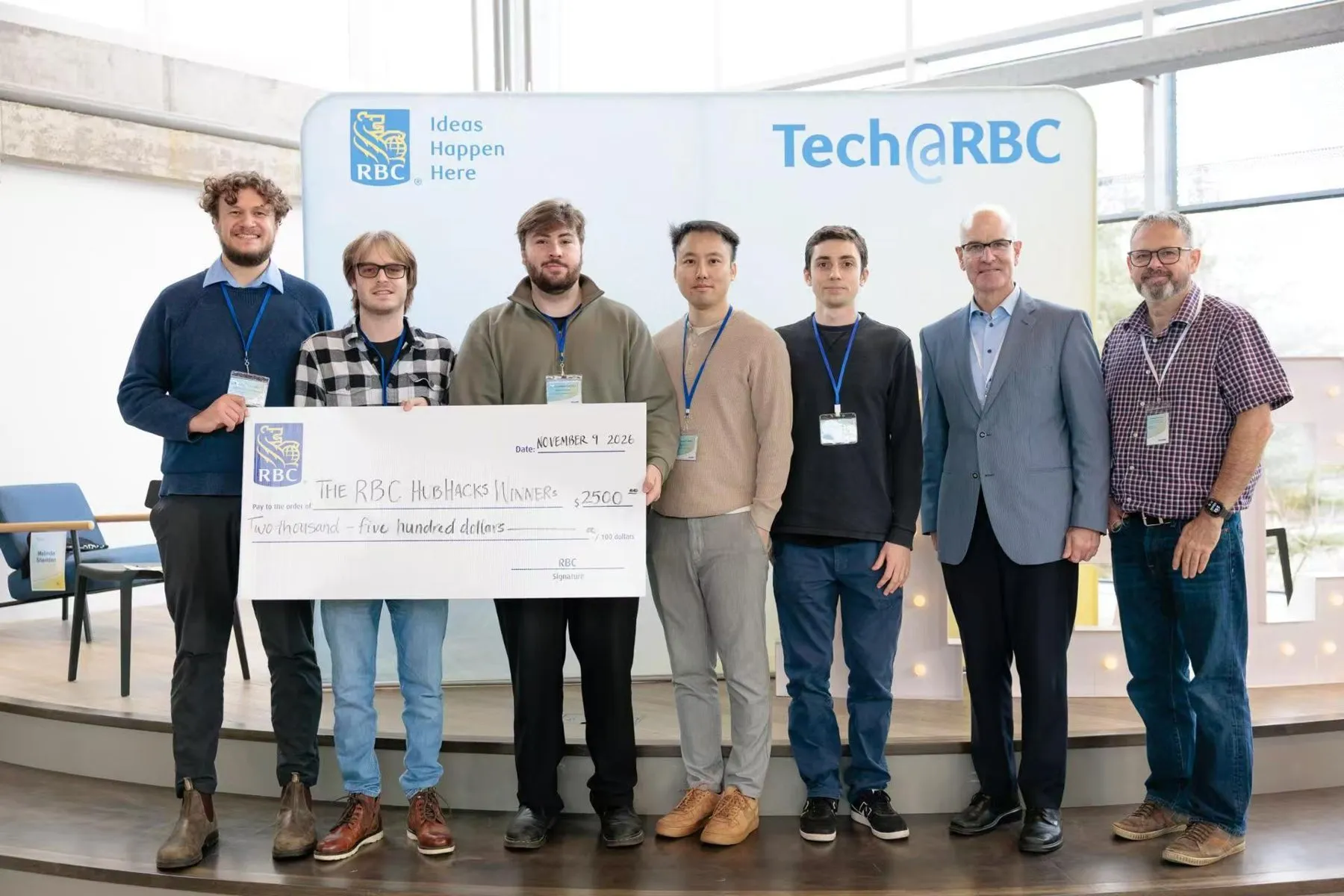
The event
RBC HubHacks is a student hackathon RBC runs in Halifax. This year it was a five-day hybrid: an in-person kickoff on November 5, three virtual build days, and in-person pitches at the RBC Halifax Innovation Hub on November 9. Eighteen teams of five took part, each with two RBC mentors.
There were two problem statements, one from the Black Cultural Centre for Nova Scotia and one from Coastal Action. We picked Coastal Action. Our team mixes computer science and biology backgrounds, so an environmental data problem was a natural fit.
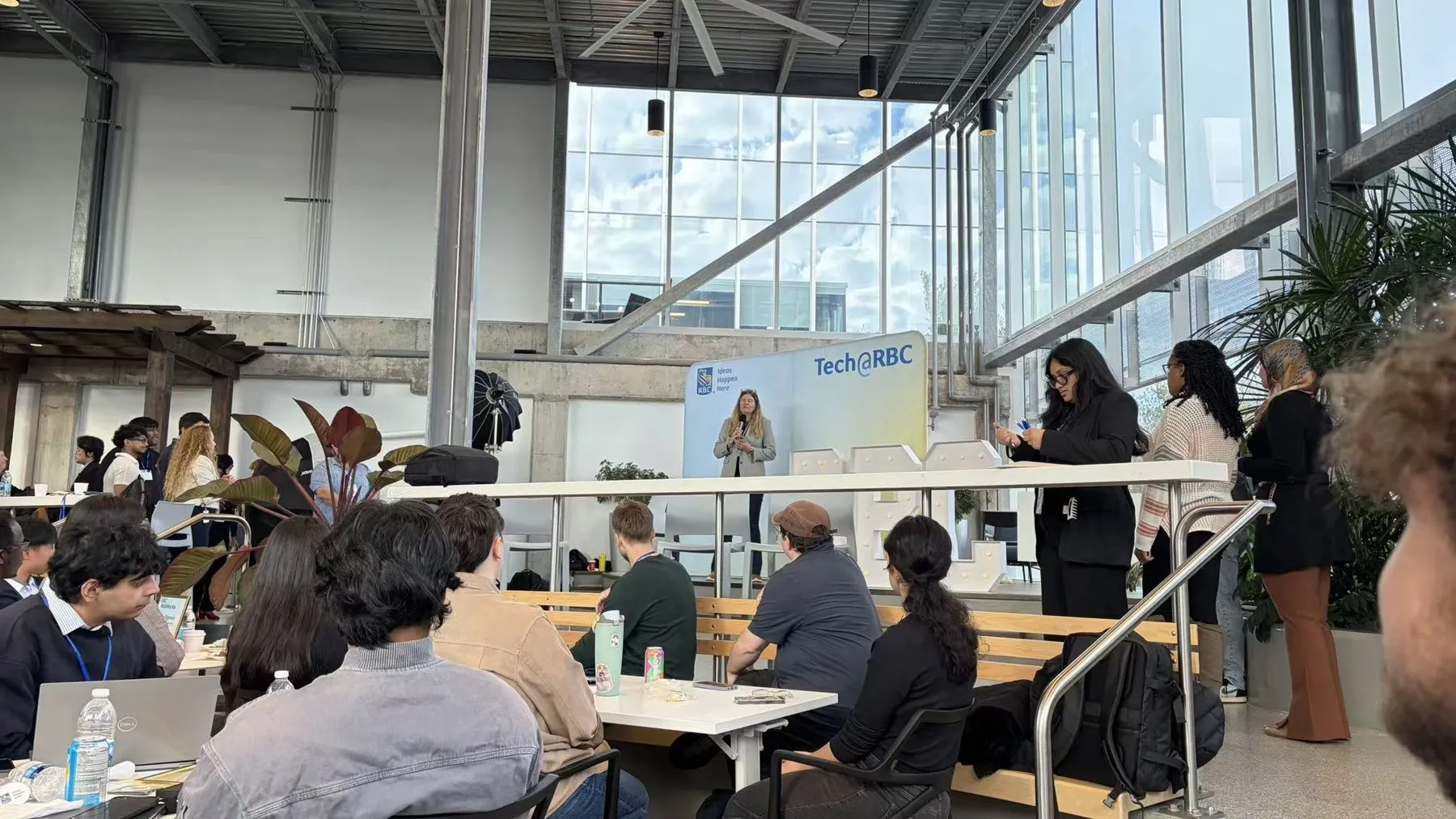
The brief: counting fish in murky video
Coastal Action is a conservation charity in Mahone Bay, founded in 1993. They run fish surveys with fixed underwater cameras in estuaries on the South Shore.
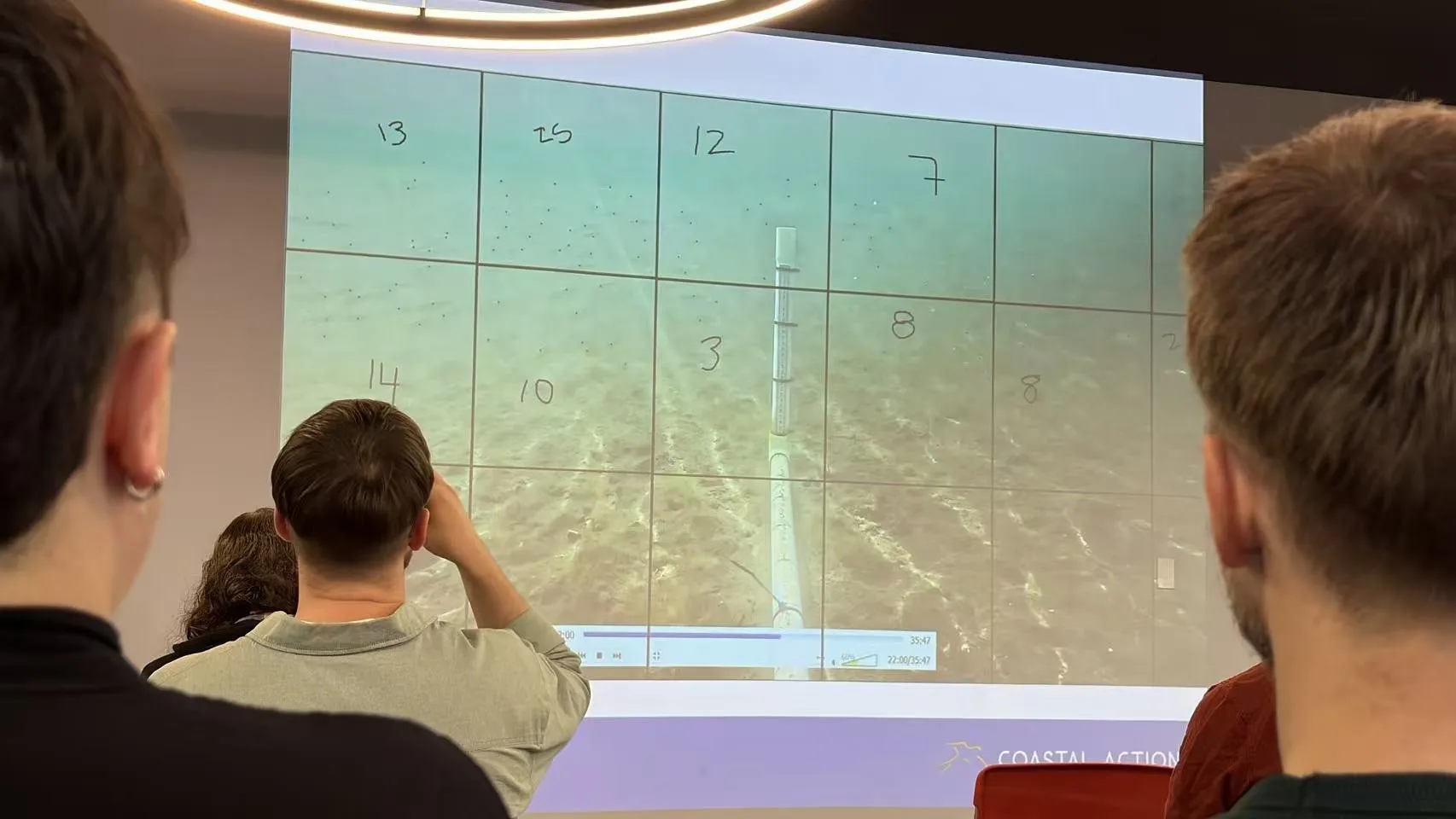
The catch is that a person has to watch the footage. At kickoff they showed us the current process: pause the video, draw a grid on the screen, count the fish dots square by square, type the number into Excel, and repeat that more than a dozen times per video.
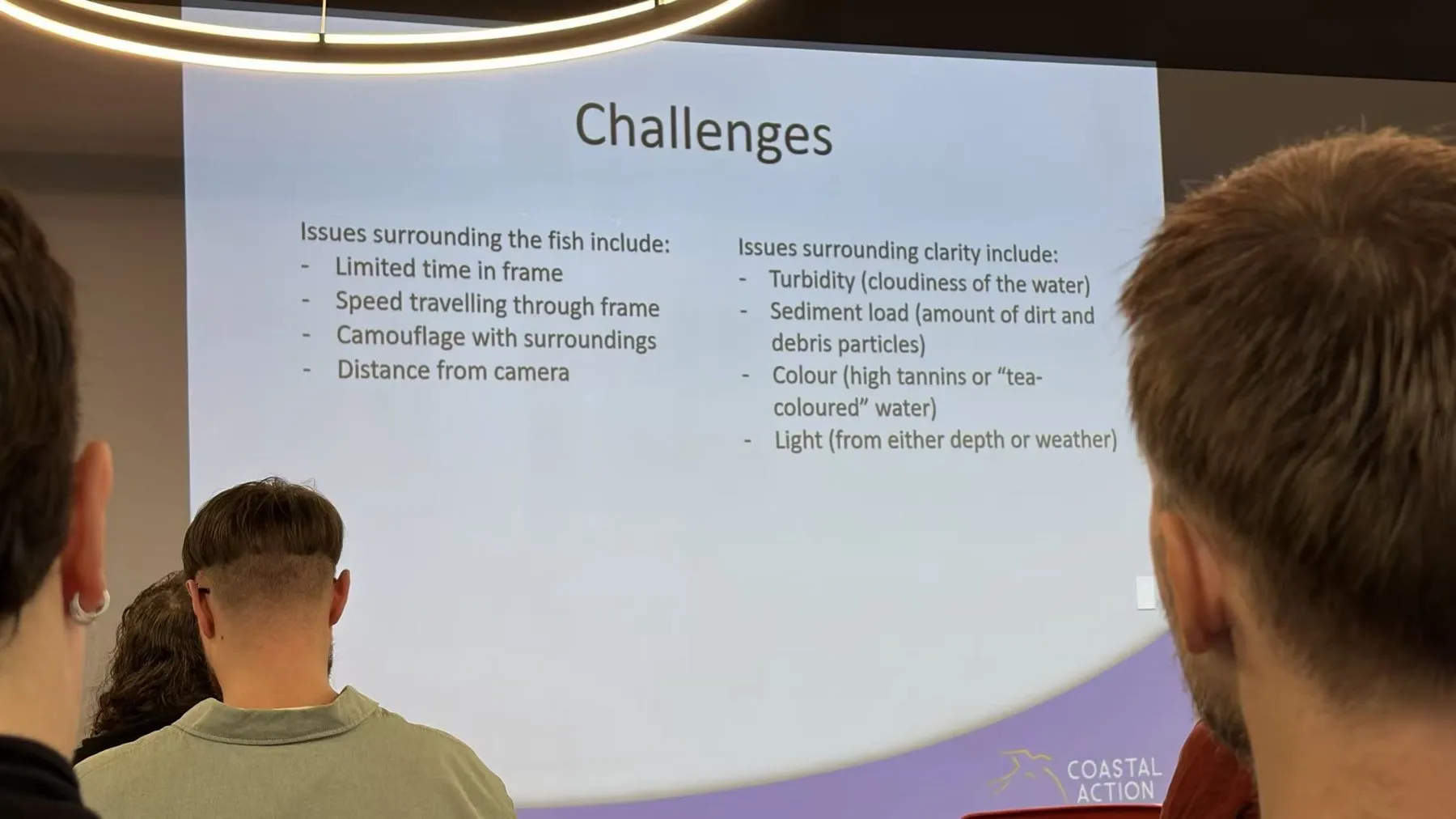
The difficulties were concrete. Fish spend little time in frame, move fast and blend into the background. The water itself is cloudy, full of sediment and often tea-coloured, and the light changes with depth and weather.
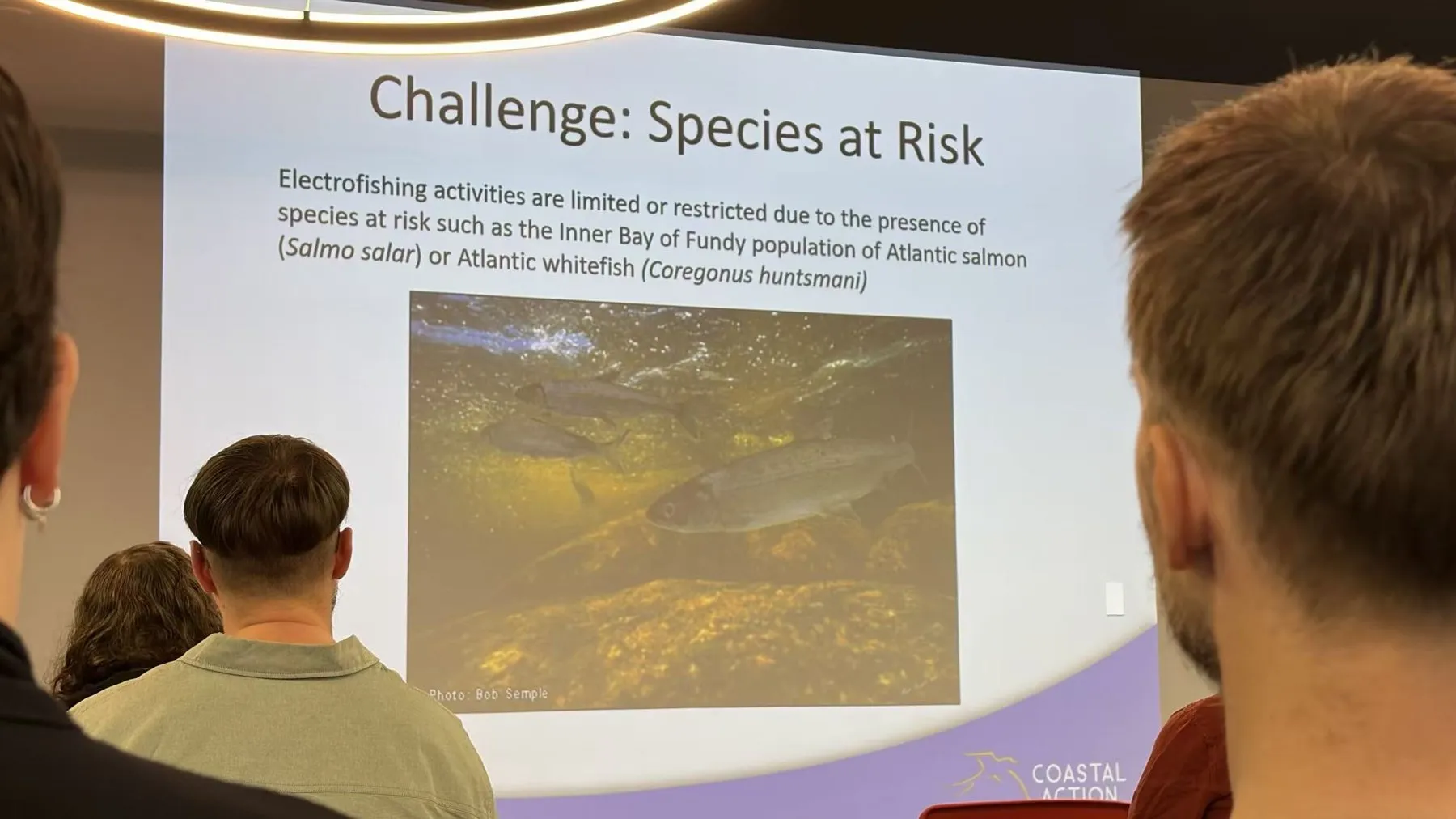
There was one hard constraint. Because of environmental and data privacy concerns, they can’t use publicly hosted AI. They have one machine of their own: a Ryzen 5, 32 GB of RAM and a GTX 770 with 2 GB of video memory.
What we built: Tideflow
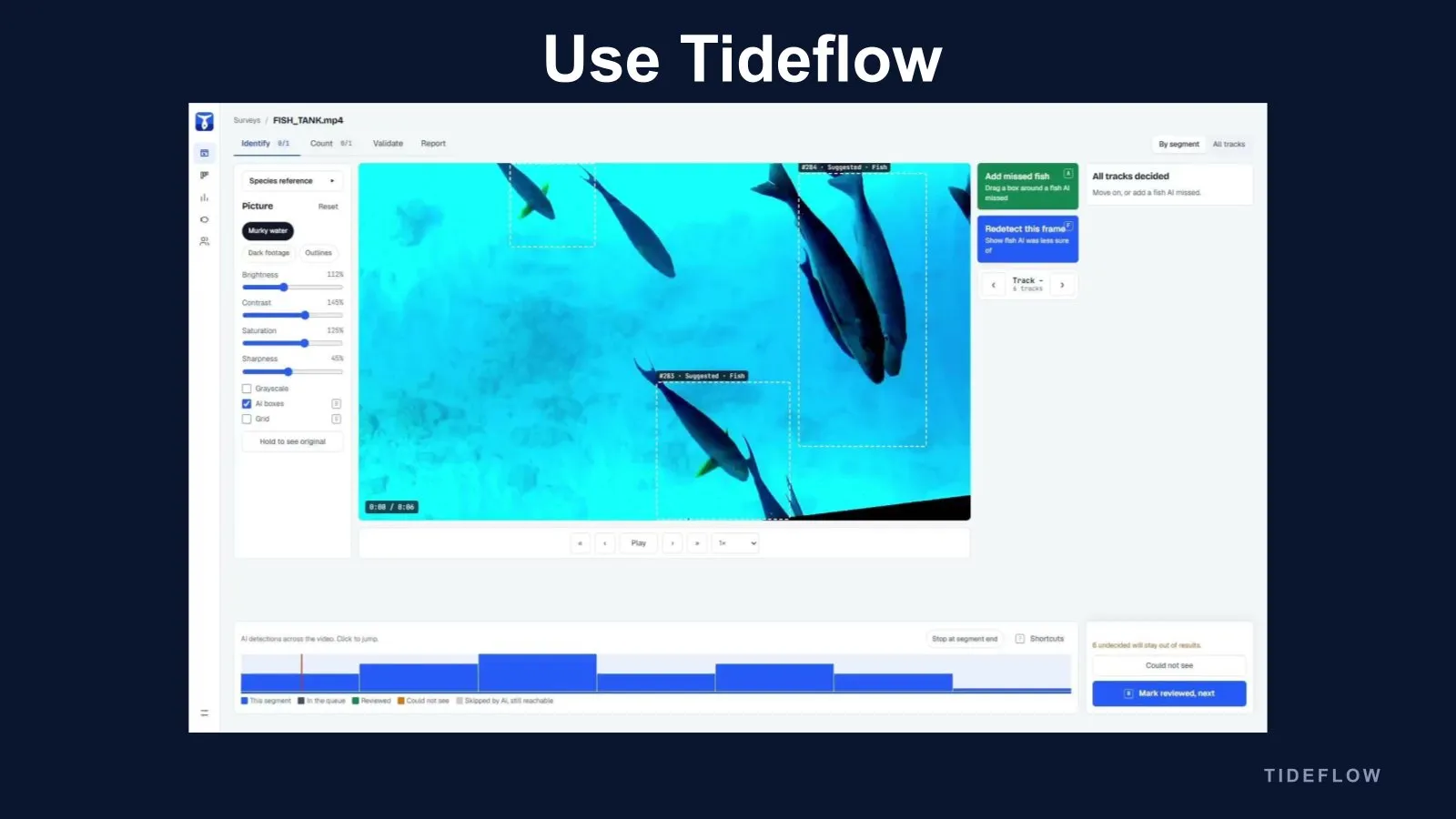
Tideflow is a self-hosted AI workspace for counting fish. The core idea: AI watches the footage first and finds the fish; a person confirms, corrects and counts, and only decisions a person made reach the report.
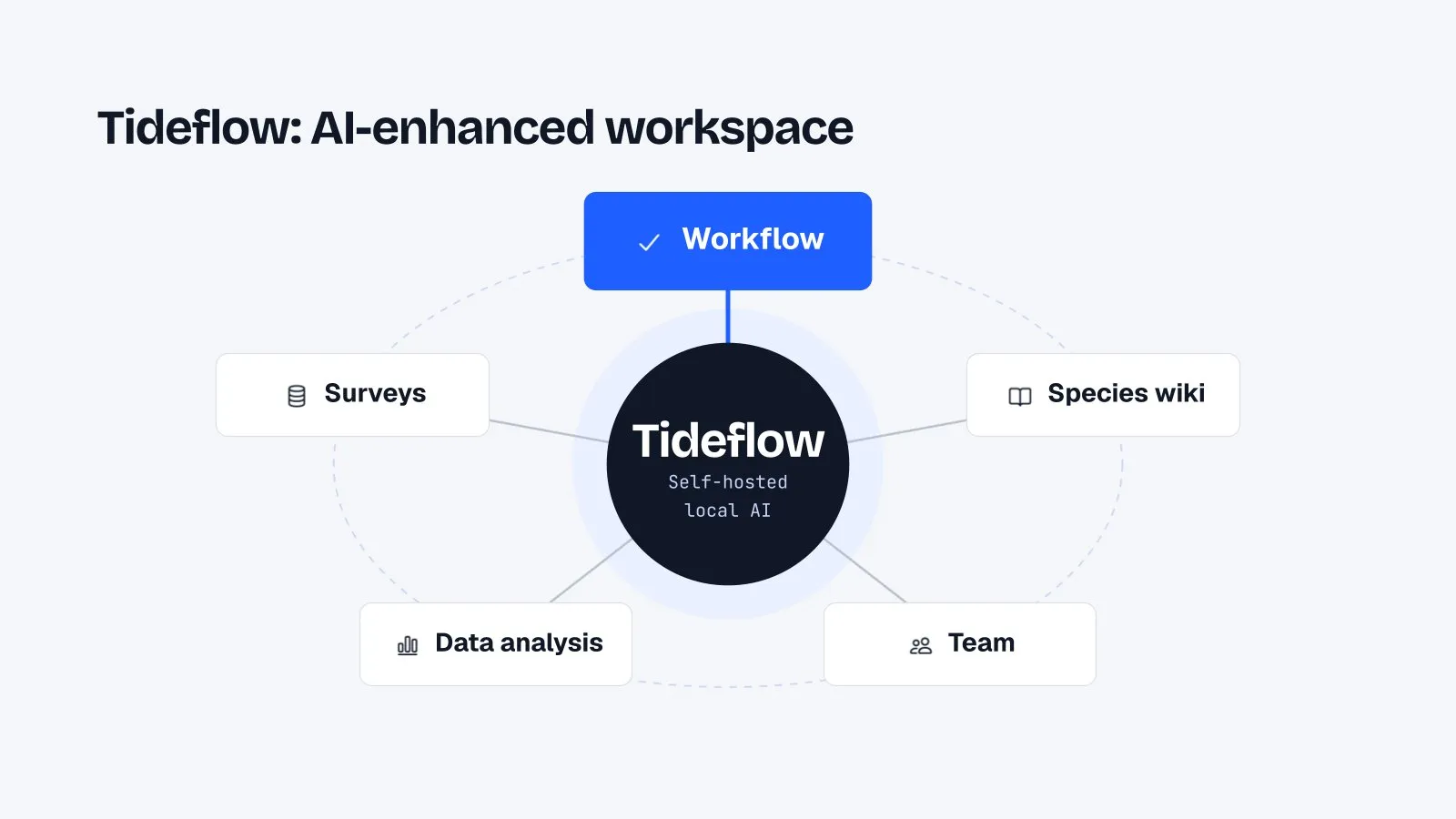
- Workflow: after a video is imported, an open-source fish detector finds fish frame by frame, a tracker links each fish into one track, and BioCLIP suggests species
- Review: every box can be confirmed, relabelled or rejected, and missed fish can be added by hand. Counting follows their existing frame-sampling procedure, with AI dots as a starting point for a person to check
- Species wiki: photos, identification notes, conservation status and occurrence records for fish found in Atlantic Canada, right next to the review screen
- Data analysis: station reports that put fish counts next to water quality readings, exported as CSV
- Team: Volunteer and Manager roles, with blind recounts on a sample of frames for quality control
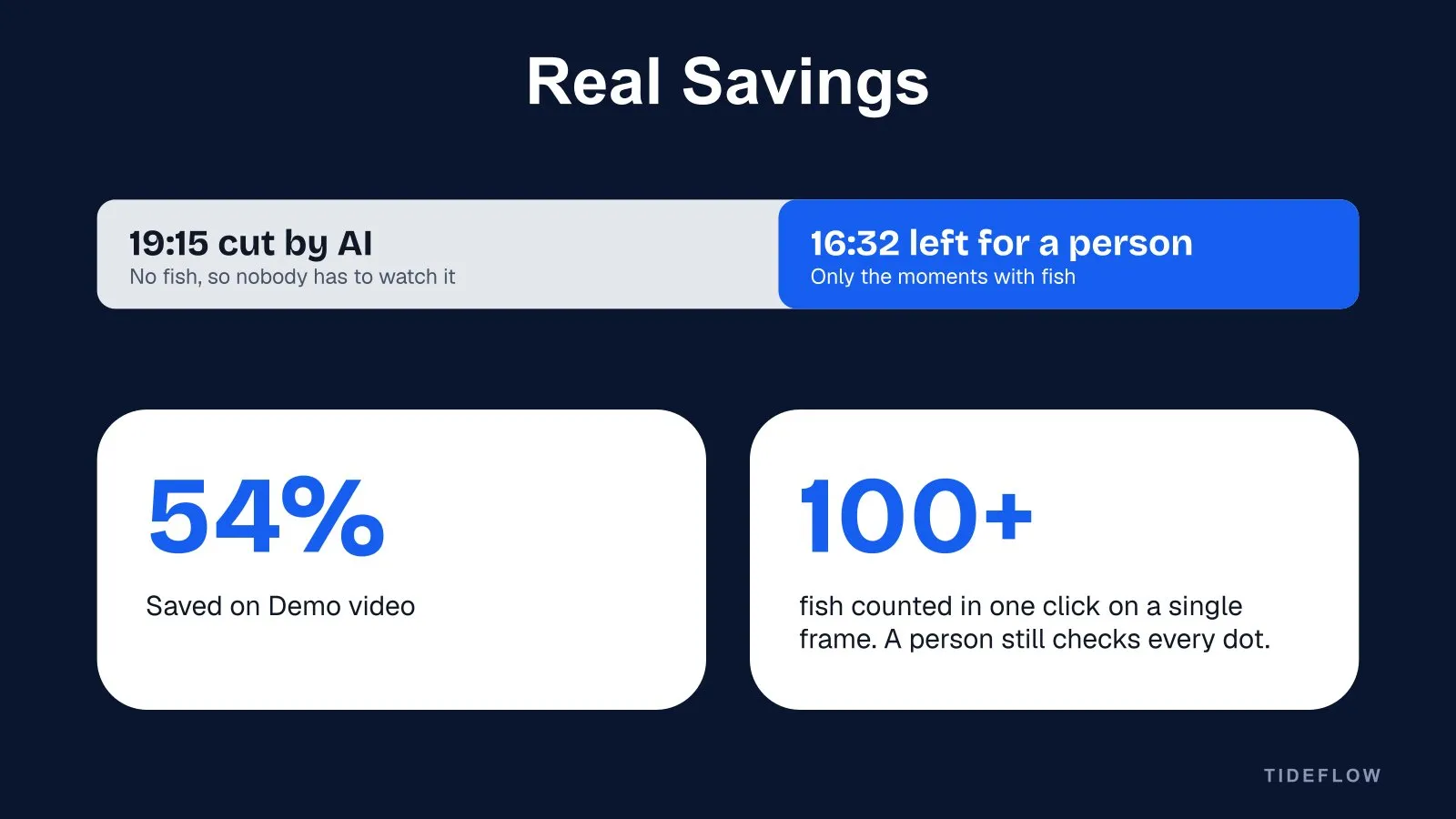
On our demo video, the AI skipped 19:15 of footage with no fish, leaving 16:32 for a person to watch, a 54% saving. A frame with over a hundred fish gets dotted in one click, and a person still checks every dot.
The code is open source: github.com/allenyan513/the_coastal_coders.
How the five days went
Before the event we only knew the two partners’ names. We built an early solution for each partner and listed the problems each might raise, so the real brief felt familiar on day one. The water quality and data visualization research from that week went straight into the final platform.
Night one: each of us researched the brief with our own AI agent, then we pooled the ideas and kept the strongest.
After the first demo all we had was a fish detection model. Our mentor was direct: that alone wouldn’t set us apart.
Night two: we re-read the brief and redesigned the project as a full workspace, covering what they asked for plus needs they hadn’t written down. One module per teammate.
On pitch day most features worked end to end on a public site. We printed the QR code so the judges could try it themselves after we left the stage.
Pitch lessons
What worked:
- We rehearsed five or six times with a timer: 10 minutes, 5 speakers, a 1-minute intro
- Each of us said clearly which part we built
- No reading from a script; open body language and eye contact with the judges
- We used Claude to draft likely questions and ran a mock Q&A on the last day. Several came up on stage
What to fix next time:
- Pick one slide template on day one. Our deck mixed five fonts and layouts
- More video, fewer screenshots. Record a clip whenever a feature lands
- Finish on time. We ran about a minute over
What the judges valued
From the judges’ comments to us and to the other teams, three things stood out:
- Research depth: we didn’t jump straight into code; we explored algorithms, options, and what the tool could actually do for Coastal Action first
- Surprise features: parts of the platform answered needs Coastal Action never wrote down in the brief
- The most complete, hands-on app: judges could open it and try it, instead of only watching slides
A closing thought
A guest speaker that day talked about building software in the AI era, and one line stuck with me: writing code 100× faster doesn’t make you 100× better at solving problems. Tools keep changing; the skill to grow is how you think. It’s the same point our instructor makes in class.
As team lead, the best part wasn’t the prize. It was watching five people go from “a detection model” to “a platform someone can actually use” in five days, and the turning point was the honest feedback from our mentor after the first demo.
Thanks to Anthony, Ethan, Noah and Ryan, to Coastal Action for a great problem, and to the RBC mentors and organizing team.